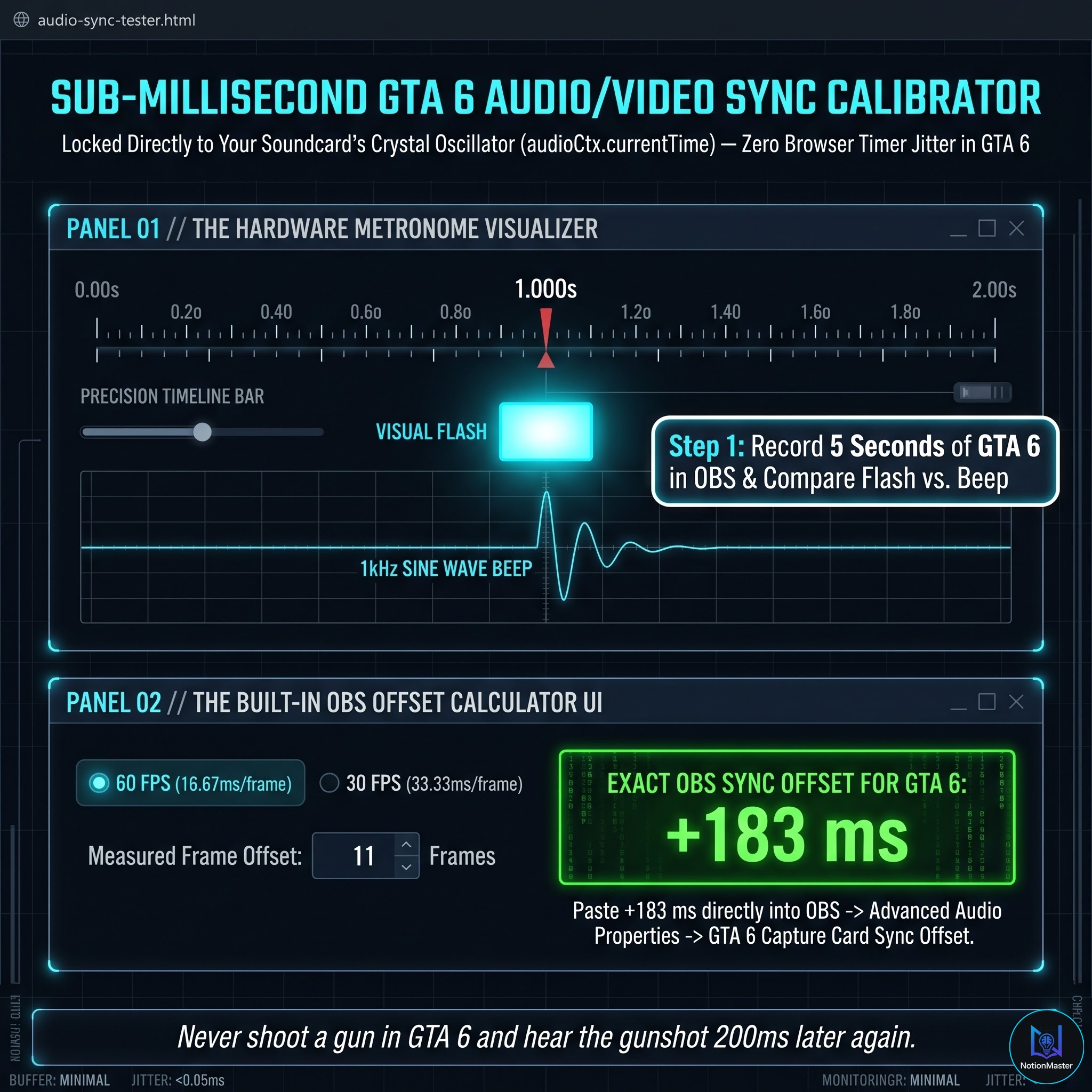
Interactive System SandboxTRY BEFORE YOU BUY
Zero setup required • Interactive browser demo
⚡ Fully functional starter edition. Upgrade to the complete commercial suite on Gumroad for 100% features.
System Overview & Engineering Architecture
Fix the two most frustrating technical issues when streaming console gameplay: audio latency desync and washed-out HDR colors. Calibrate your capture card in under 3 minutes with precision hardware-clock metronome tools.
Verified Deliverables Manifest
6 Verified Files- 1Interactive Audio Sync Metronome (audio-sync-tester.html) with 1kHz tone & flash sync
- 2Built-in Frame Delay to Millisecond Calculator for 30 FPS and 60 FPS video streams
- 3The 4-Parameter HDR Color Restoration Preset (eliminates washed-out grey SDR capture)
- 4Hardware Capture Card Optimization Guide (capture-card-optimization-guide.html / .md)
- 5Step-by-step OBS Advanced Audio Properties Calibration Guide (00-USER-QUICKSTART-GUIDE.html)
- 6Single Creator Commercial License for unlimited streaming setups
Frequently Asked Questions (Technical & Licensing)
Q: Why does my console capture look washed-out in OBS?
A: Consoles output HDR signal, which SDR capture cards compress into low-contrast grey. Our 4-parameter filter crushes the fog and restores vibrant contrast.
Q: Which capture cards are supported?
A: All USB and PCIe capture cards: Elgato (HD60X, 4K X, 4K Pro, Cam Link), AVerMedia Live Gamer, EVGA XR1, and generic USB capture devices.
ConsoleStream Pro™
PS5 & Xbox Capture Card Audio Desync Calibrator & HDR Color Fix for OBS
One-time payment · Perpetual commercial rights